Welcome to KeyLoft™ — the all-in-one property management app built for landlords and property managers. Whether you manage one rental or an entire portfolio, this guide walks you through the first steps to get up and running quickly.
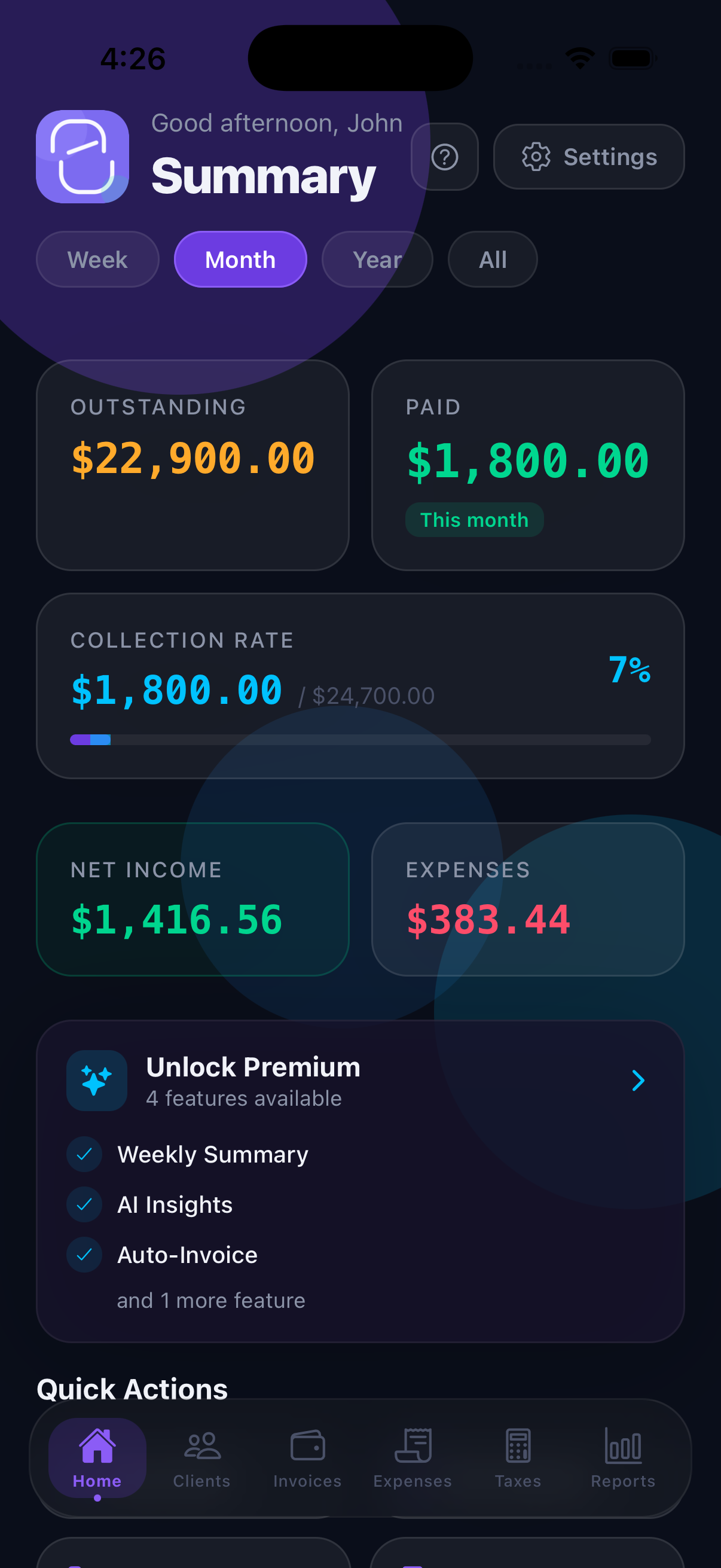
The Dashboard: Your Portfolio at a Glance
The Dashboard is the first screen you see when you open KeyLoft. It gives you a live snapshot of your entire portfolio without needing to dig into individual property or tenant records.
- Portfolio summary — total properties, active tenants, and monthly income
- Occupancy status — how many units are occupied vs. vacant
- Rent collection progress — how much rent has been collected this month
- Outstanding balances — overdue payments across all tenants
- Action items — tasks, maintenance requests, and upcoming lease events
- Getting started checklist — step-by-step guidance on first launch
The dashboard updates in real time as you add properties, record payments, and close maintenance requests — no manual refresh needed.
Setting Up Your Profile
Your profile stores your name and business name, which appear on PDF leases, invoices, and communication templates. To set up your profile:
- Tap the More tab at the bottom of the screen
- Tap your name or initials at the top of the More screen
- Enter your full name and business name (optional)
- Save your changes
Navigating the Tab Bar
KeyLoft organizes everything into six tabs at the bottom of the screen:
- Dashboard — portfolio overview, rent collection progress, and action items
- Properties — add and manage all your properties and units
- Tenants — tenant profiles, leases, and payment history
- Expenses — track spending by category with receipt photos
- Maintenance — log requests, assign vendors, and track status
- More — payments, accounting, taxes, reports, documents, maps, and settings
The More Menu
The More tab holds all the advanced features organized into sections. Here's what you'll find:
- Payments — Payment Collection setup
- Tasks & Reminders — Tasks & Reminders, Proactive Follow-ups (Pro)
- Accounting — Chart of Accounts, P&L by Property, Balance Sheet, Depreciation, 1031 Exchange, Bank Reconciliation (most are Pro)
- Finances — Taxes & Deductions, Rent Roll
- Reporting & Analytics — Reports, Investor Reports, Occupancy Trends, Maintenance Costs, ROI Calculator (most are Pro)
- Documents — OCR Search, Export Data (both Pro)
- Maps & Location — Property Map, Vendor Directory, Drive Planner (all Pro)
- Settings — security, notifications, sync, calendar, and subscription
Free vs. Pro vs. Premium
KeyLoft offers three tiers. Start free and upgrade when your portfolio grows.
Free
Up to 2 properties, 2 tenants, 2 maintenance requests, and 5 expenses. Rent tracking, task management, calendar, and iCloud backup included.
Pro
Unlimited everything. PDF leases and invoices, recurring charges, accounting tools, analytics, vendor directory, maps, OCR search, and proactive follow-ups.
Premium
Everything in Pro plus 13+ AI features: receipt scanning, voice entry, forecasts, rent predictions, lease analyzer, budget generator, and smart vendor matcher.
All plans include a 14-day free trial. You can cancel anytime through Apple's subscription management.
Next Steps
Now that you understand the layout, here's where to go next:
Ready to manage your properties?
Download KeyLoft free on the App Store and get started in minutes.
Download on the App Store